
On this page
Brilliantor Editorial · October 16, 2026
AI-Assisted Design: A Practical Human Review Workflow
Use a practical human-review workflow for AI-assisted design, covering accurate content, brand fit, responsible inputs, production checks, and approvals.
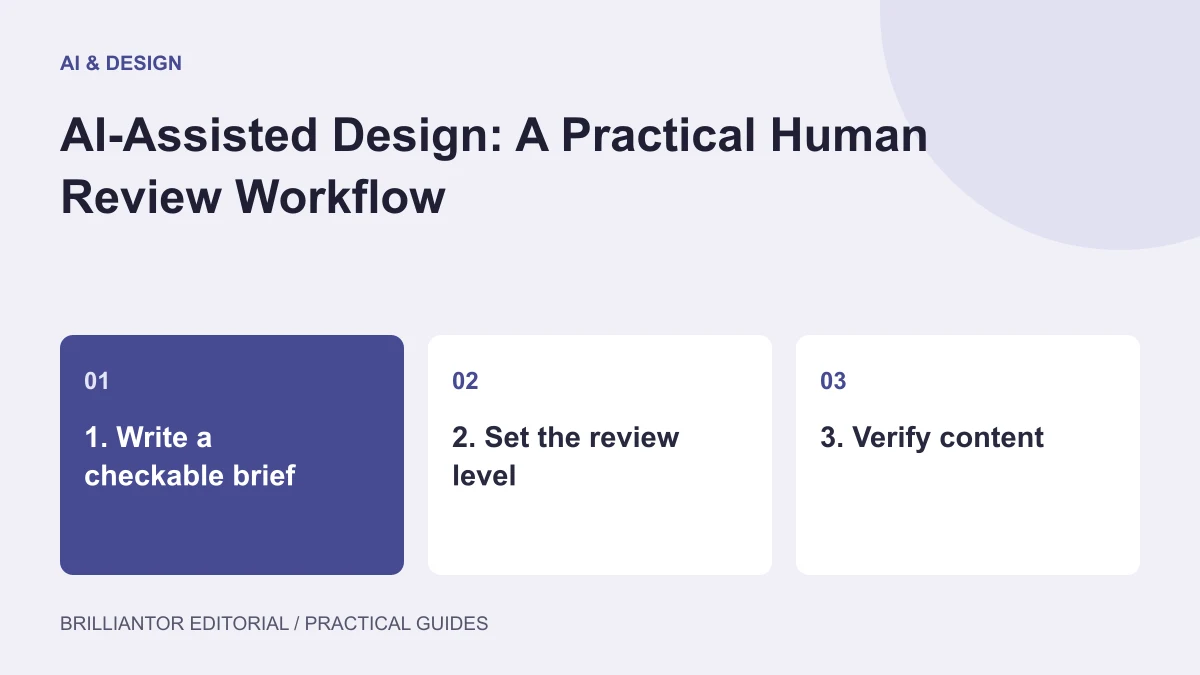
AI-assisted design can produce a convincing concept before anyone has checked whether its wording is correct, its details are intentional, or its artwork can be reproduced. That gap between appearance and readiness is where a review process matters.
The useful question is not simply whether AI was involved. It is which parts of the work were generated, what evidence supports the content, and who is responsible for deciding that the final asset is suitable for its purpose.
Start with a brief that can be checked
A vague request such as “make a premium design” produces options that are difficult to evaluate. Write a brief with observable requirements instead.
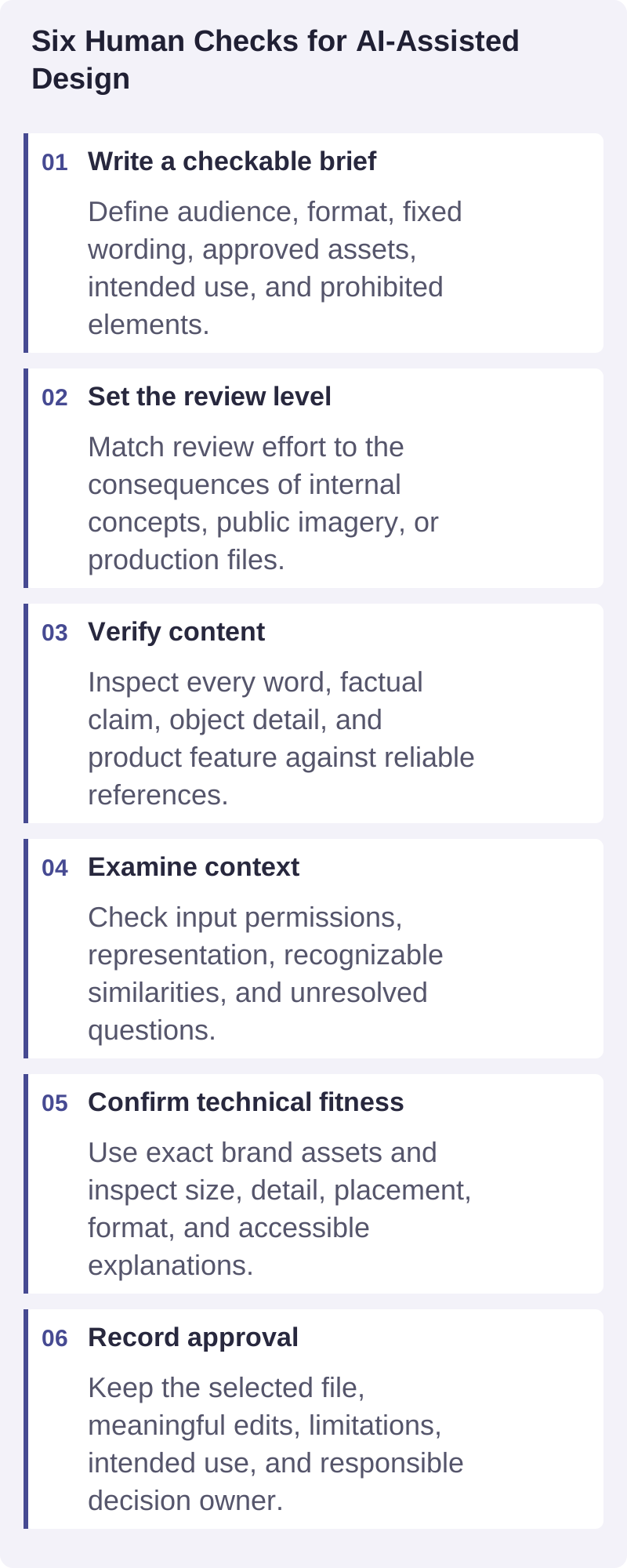
Include the audience, message, destination, format, dimensions, approved brand assets, required wording, and prohibited elements. Identify whether the output is an internal concept, a public marketing image, or artwork intended for a physical product.
An example brief for a hypothetical event tote could specify an original botanical illustration, a restrained two-color composition, an empty area for approved event wording, and no portraits or recognizable third-party logos. The finished work can then be reviewed against those requirements.
Decide what AI is allowed to change
Separate the flexible elements from the fixed ones:
- Flexible: composition ideas, mood explorations, background concepts, and decorative variations.
- Fixed: approved logos, names, product dimensions, factual claims, and final order details.
- Unresolved: rights questions, unfamiliar symbols, technical production limits, and claims without evidence.
Keep fixed elements in a controlled source. For example, adding verified wording in a design application may be more reliable than asking an image generator to reproduce an entire label precisely.
Match the review effort to the consequence
An internal mood board and a product image used to take orders do not create the same expectations. Review the work according to what could happen if it is wrong.
For early concepts, focus on relevance and obvious problems. Before public release, examine accuracy, representation, brand fit, accessibility, and permissions. Before production, add checks for dimensions, resolution, line weight, color handling, and placement.
This is an editorial workflow, not a certification process. The NIST Generative AI Profile identifies risks including confidently incorrect content, data privacy, harmful bias, and intellectual property concerns. Its risk-based approach supports examining the intended use rather than assuming every output deserves the same level of trust.
Assign a named reviewer and a final decision owner. “The team reviewed it” is less useful than knowing who checked the wording and who approved the production export.
Use separate review passes
Trying to judge everything at once encourages superficial approval. A visually exciting composition can distract from an incorrect date or an impossible product detail.
Pass one: accuracy and visual logic
Read every visible word, including background labels and small decorative text. Compare names, specifications, and claims with the approved source. Inspect repeated patterns, object connections, shadows, perspective, and cropped edges.
For product-related imagery, compare the output with the actual item. Check seams, handles, closures, proportions, and print location. A plausible picture is not proof that the product exists in that form.
If the image represents a concept rather than a real product, identify it appropriately wherever that distinction matters to the viewer.
Pass two: originality, context, and representation
Look for unintended resemblance to recognizable logos, characters, or distinctive artwork. Review the source assets and the terms applicable to the tools and materials used. If a question remains unresolved, replace the questionable element or seek appropriate advice before release.
Check people and cultural imagery for stereotypes, demeaning portrayals, and context that could change the message. Ask whether the intended audience would interpret the visual as expected. A prompt stating “inclusive” does not replace looking carefully at the result.
Use only inputs appropriate for the project. Avoid placing confidential briefs, personal information, or unreleased customer assets into a tool until its permitted use and data handling have been assessed.
Pass three: brand and production fitness
Compare the work with the brand reference, including color relationships, typography, tone, and approved marks. Rebuild critical logo and text elements from the correct files instead of accepting approximate generated versions.
Inspect the artwork at its intended size. Check small details and negative spaces, not just overall sharpness. Confirm the production format and specifications with the relevant production workflow. A large pixel dimension alone does not establish that an image is suitable for every decoration method.
For digital assets, ensure essential content remains understandable without relying solely on the image. W3C’s image tutorial explains when an image needs a short text alternative and when more complex information needs a fuller text equivalent.
Make revision a controlled decision
When a review finds a problem, choose the narrowest effective correction. Regenerating the whole composition can introduce new errors into areas that were already acceptable.
For a hypothetical tote illustration, a reviewer might accept the composition but flag unreadable event text and a distorted leaf pattern. The next step could be to replace the text manually and redraw that detail, rather than restart the complete image.
Record the change, then inspect the revised asset again. Compare versions at full size and expected display size; a small request can have unexpected effects.
Use three clear statuses: concept, needs revision, and approved for a specified use. Approval for a social preview should not automatically authorize a production run or a different product listing.
Keep a lightweight record of the final asset
Store the brief, relevant source assets, tool or workflow information, selected output, meaningful edits, and approval record with the final file. Record any limitations, such as “concept image, not a photographed sample.”
Keep only useful process records, without unnecessary personal or confidential information.
When describing the process publicly, be accurate about what happened. Google’s people-first content guidance encourages useful explanations of how content was produced when readers would reasonably expect them, and warns against deceptive authorship. Do not invent a human expert or imply hands-on testing that did not occur.
Final human-review checklist
Before release, confirm that:
- The output meets the written brief.
- Visible text and factual claims have been verified.
- Critical visual details match the intended subject or actual product.
- Input permissions and unresolved rights questions have been addressed.
- Representation and cultural context have been considered.
- Brand assets are exact rather than approximate.
- Technical requirements were checked for this specific use.
- Necessary descriptions or disclosures are present.
- The approved file and responsible decision owner are identifiable.
A failed check should create a concrete revision or a pause, not an assumption that someone else will resolve it later.
Frequently asked questions
Does human review mean editing every generated pixel?
No. It means evaluating the asset against its purpose and correcting or rejecting what does not meet the requirements. Some concepts may need modest adjustments; others may be unsuitable despite looking polished.
Can AI-generated mockups prove product quality?
No. A mockup can communicate a proposed appearance, but it does not verify a physical product’s finish, durability, fit, or exact construction. Use appropriate samples and evidence for those questions.
Who should give final approval?
Choose someone who can judge the intended use and accepts responsibility for release. Technical production and factual review may require additional people. Make those responsibilities explicit rather than expecting one person to notice every issue.
Set the review requirements before creating assets
A clear brief and approval process make design conversations more productive. Contact Brilliantor to discuss your design project, how AI may fit the work, and which human checks should be confirmed before delivery.