Brilliantor Editorial · October 17, 2026 · 3 min read
A Simple SKU Naming System for a Growing Merchandise Catalog
Create consistent SKU names, separate products from variants and avoid duplicate identifiers. Use a merchandise example without inventing stock.
A SKU is useful when it helps a team identify the same item consistently. It becomes a problem when the code changes meaning between spreadsheets, artwork folders and order notes. Start with a small system that people can explain, then test it against the catalog you actually manage.
A SKU is an internal identifier, not evidence that a product is in stock. Keep inventory, availability and production confirmation as separate fields. This matters especially for a quote-led collection where a preferred option still needs confirmation.
Separate the product family from the variant
Shopify’s SKU guidance describes SKUs as internal tracking codes and distinguishes them from barcodes. It recommends consistent, unique identifiers for the variants being tracked. This is general catalog guidance, not a claim that Brilliantor has a working Shopify integration.
Choose what the code represents before choosing its abbreviation. A product family might identify one case model, while a variant might add a confirmed device and finish. Do not create imaginary combinations just because a naming formula can produce them.
For the ceramic mug, a family record can be useful before a size is confirmed. If distinct options later need tracking, give each confirmed option an unambiguous record. Do not overwrite the family record with a code that means something different tomorrow.
Use a short dictionary rather than clever abbreviations
Write a small dictionary for product families, materials or other attributes that genuinely help the team. Use each abbreviation consistently. Keep the code readable enough that a colleague can check it without remembering an elaborate private system.
An illustrative format is FAMILY-OPTION-REV. For example, MUG-WHT11-A could be an internal example for a white 11 oz mug option and its record revision. These are invented teaching codes, not Brilliantor SKUs, confirmed variants or stock records.
Avoid encoding information that changes frequently, such as a temporary selling price or a campaign slogan. A code that changes every time the marketing copy changes is difficult to use as a stable reference.
Keep artwork versions in a separate field
An artwork revision and a physical product option answer different questions. A revised illustration does not necessarily mean the underlying blank or construction changed. Decide whether artwork belongs in a separate linked record rather than adding more segments to every SKU.
For a cotton canvas tote, keep the product identity, approved artwork file and quote reference connected. A useful record makes it possible to find all three without treating a filename as the only source of truth.
Check for collisions before rollout
Test the proposed format against existing records and a few plausible future additions. Look for duplicate codes, inconsistent capitalization, ambiguous characters and abbreviations used for two meanings. Shopify’s guidance specifically cautions against confusing letters and digits and inconsistent formats.
Use a spreadsheet validation step to flag duplicates before importing or handing off a batch. Keep an exception note when a legacy code cannot be changed immediately. Do not silently relabel historical orders; preserve a mapping so older references remain understandable.
Introduce the system with a small pilot
Apply it to a limited, confirmed set of products. Ask someone who did not design the format to find an item, identify its option and locate the approved artwork. Their difficulty is useful feedback about the system.
Then document the dictionary, ownership and change process. A modest naming system that remains consistent is more valuable than a long code that tries to describe every aspect of the business.
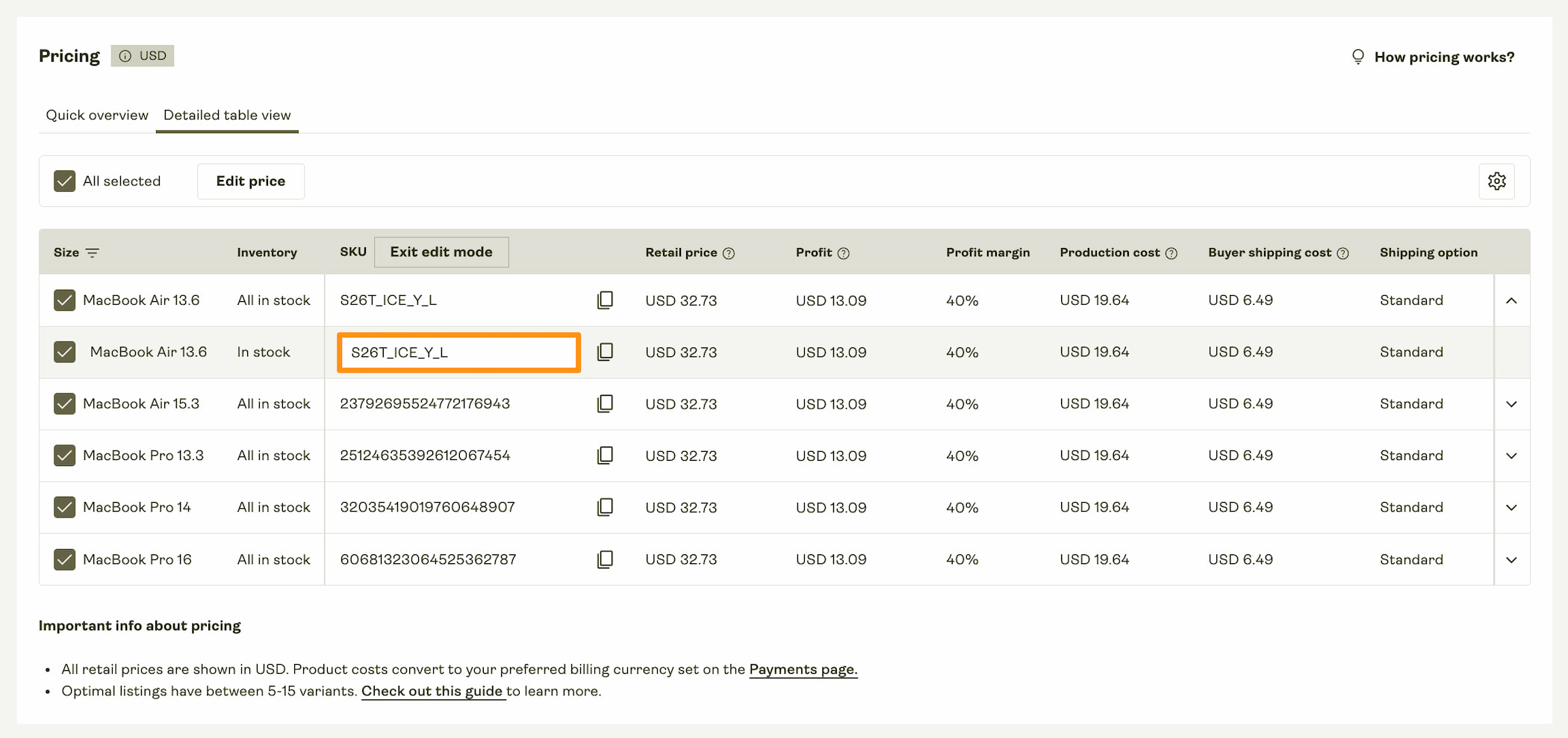
The cover shows an external documentation example of a custom SKU field. Its prices, stock labels and interface belong to that example; they do not describe Brilliantor inventory, quotes or software. The orange outline identifies the field, while the surrounding table provides context.
Open the full-size external SKU-field example to inspect the original table. The surrounding text explains the naming principles without requiring the screenshot.