
Brilliantor Editorial · October 17, 2026 · 4 min read
Real Product Images vs AI Mockups: Choose the Right Evidence
Choose real product views for specifications and use concept mockups carefully. Match images to the exact model, variant and decision a buyer needs to make.
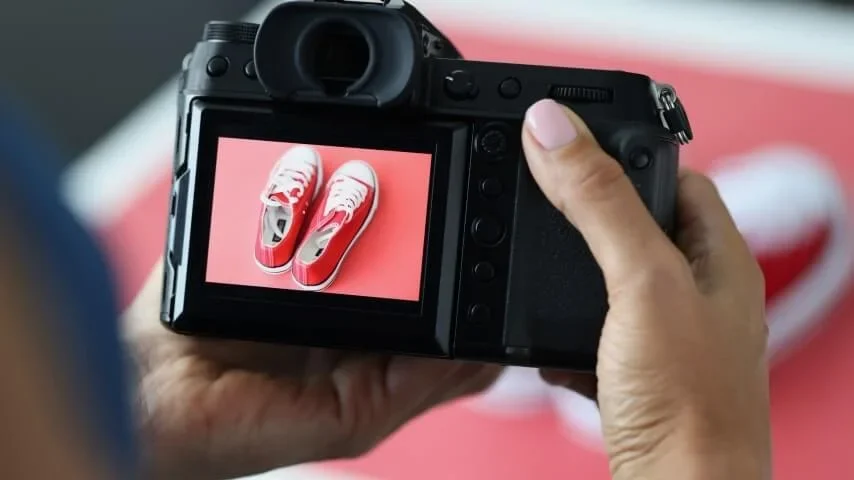
A persuasive product image should answer a buyer’s question. If the question concerns the handle, seams, finish or camera opening, use evidence of the actual product model. A generated scene may suggest a mood, but it cannot establish a specification that was never supplied to it.
Key takeaways
- Match the image to the exact model and selected variant.
- Separate product evidence from a proposed artwork layout.
- Label concept views where a reader might mistake them for finished goods.
- Keep source records and check the rules of the destination channel.
Decide what the image needs to prove
List the question beside each planned image. “What does the reverse look like?” calls for a relevant reverse view. “How might the heading sit above the illustration?” calls for an artwork proof. “Would a quiet kitchen setting suit this campaign?” is a creative direction question.
Those jobs require different evidence. Do not ask one polished lifestyle scene to prove all three. A photograph can also be incomplete, so pair it with the dimensions and care information supplied for the selected model rather than guessing from perspective.
Match the model before the mood
Compare the product identifier, variant and source page before selecting an image. For the white ceramic mug, a relevant model view can show the general body and handle. One unlabelled view does not prove whether the photographed version is the 11 oz or 15 oz option.
For a tough phone case, the device model matters even when the artwork is unchanged. A realistic picture with the wrong camera opening is still the wrong product reference. If the exact view is unavailable, state the gap instead of borrowing a similar case and presenting it as accurate.
Use concept mockups for a bounded question
A concept mockup can help a team discuss composition before finished photography exists. State what is provisional: artwork position, background or campaign context. Keep the underlying product geometry unchanged when preparing a layout proof from an authorized model image.
Do not fabricate texture, stitching, accessory compatibility or packaging contents. Avoid placing extra objects where a buyer might reasonably think they are included. If a scene cannot be produced without changing important features, a simple annotated layout is more useful than a seamless invented photograph.
Respect channel-specific image requirements
Editorial images, artwork proofs and shopping feed images have different jobs. Google’s Merchant Center image guidance requires primary imagery to show the exact item and gives specific rules for variant representation. These are channel requirements, not a claim that Brilliantor currently operates a Merchant Center integration.
The same guidance requires AI-generated images to carry identifying metadata and says existing source-type metadata should be preserved. If an asset will be used there, check the current requirements and export process. A caption on a blog does not replace required file metadata.
Build a traceable image set
Keep the original file, its source URL, the corresponding model and the date checked. Record the allowed edits and any attribution conditions. Resizing for delivery should not quietly change the depicted product or remove an expressly required notice.
Name the roles clearly in the project folder: model reference, artwork proof and approved final view. This makes it easier to replace an outdated variant without losing track of why an image was included. Write useful alternative text for the information each image contributes, rather than repeating a filename.
Place the comparison beside the decision
The accompanying comparison separates an official model reference from a schematic concept drawing. Its brief labels explain the different limits of those two views. The product reference must use the exact model identified in its caption, while the layout example must be marked as a concept.
Use the product photography guide when preparing the final shot list. Add any missing physical views to the brief before treating the image set as complete.
Common questions
Is every catalog image a photograph?
No. A source may supply a rendered model view or a mockup. Describe the asset accurately and avoid calling it a finished customer product photograph without evidence.
Can a concept image replace a specification?
No. Verify dimensions, materials and compatibility against the selected product record and written quote.
Ask Brilliantor about a product image brief. Include the exact model and the buyer question each proposed image needs to answer.